
Your AI coding setup, now mobile
Finn connects your phone to the AI models and projects on your computer. Now you can chat with your agents and make edits to your projects from anywhere.


Download with your phone
Scan the QR code to get Finn
on the App Store
Weekly View for Habit Tracker
|
Continue chatting
Finn is the bridge between your phone and your computer
Finn has two parts:
- A lightweight app that runs on your computer (called a daemon) and
- A mobile app on your phone
The daemon connects your phone to your AI models and project files. When you chat or edit files in Finn, everything runs through your computer.
 App.tsxGoal-tracker.tsxhabits.json
Getting started with Finn
Setup is quick and painless. Install the daemon and mobile app, create an account, add your projects. Most users are up and running in under 5 minutes.
The desktop daemon supports macOS, Windows, and Linux. The Finn app is available on iOS.
Install the daemon
A small background app that runs on your main development computer. The daemon connects your phone to your AI models and project files.
Download the daemon:
Or via terminal:
curl -fsSL tryfinn.ai/install | shConnect your project folders
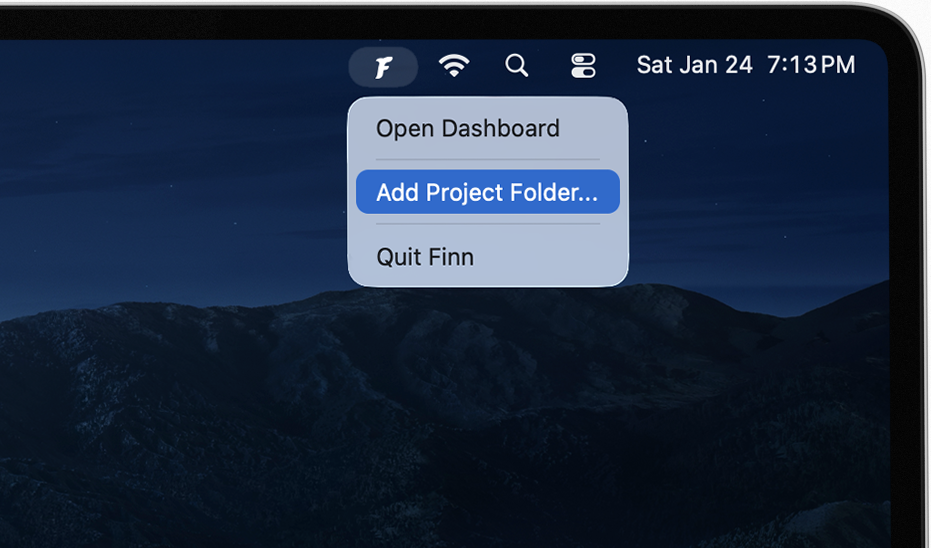
Finn only has access to what you give it. Add your projects to Finn and watch them magically show up on mobile.
Open the mobile app
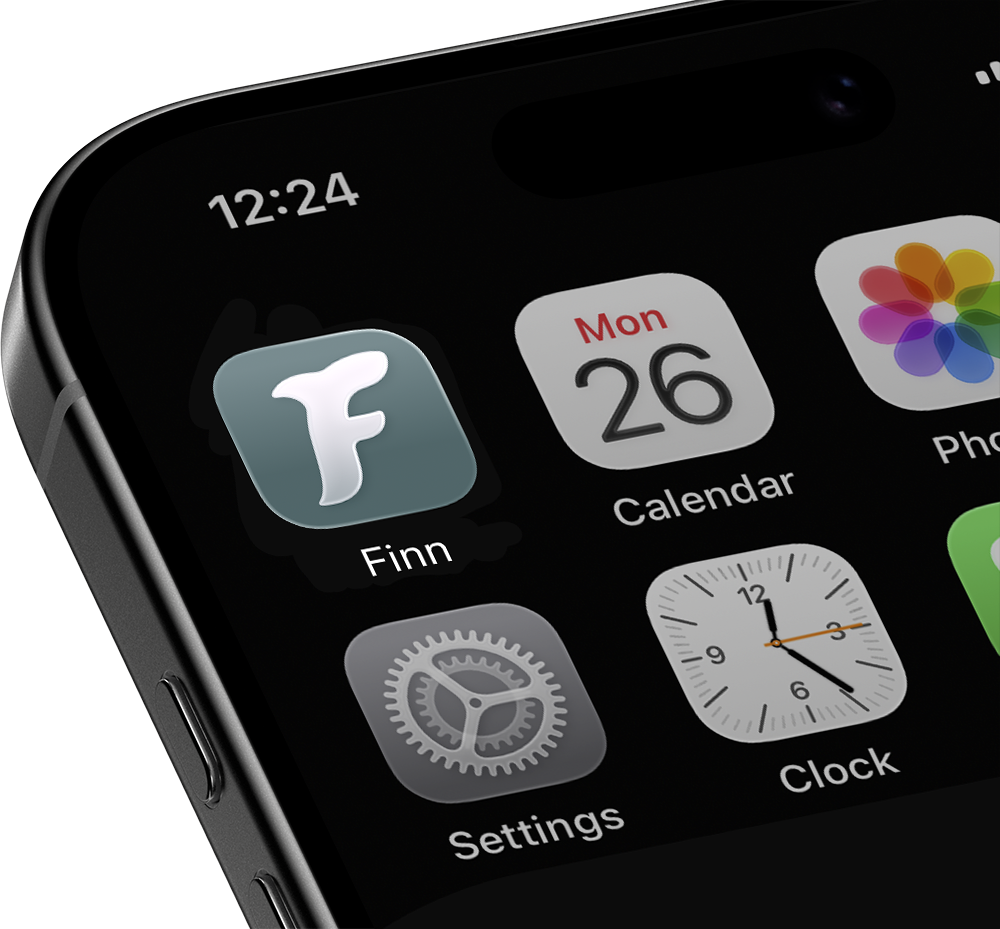
Once you log in, the app will automatically connect to your computer over your network.
Built for AI-anywhere
Everything you need to code on the go.
Switch between AI models
Toggle between Claude, Gemini, and GitHub Copilot. Pick the right model for whatever you're building.
Stay fast
WebSocket connections keep everything responsive. Real-time sync between your daemon and mobile app means no lag.
Review before you commit
See exactly what changed with clean diff visualization. You can review every edit before it touches your repo.
Runs on your computer
Your AI chats and code changes are run on your computer. Continue your work seemlessly when you're back at your computer.
Test web apps instantly
When you're building web projects, Finn renders your local dev server directly in the app. Chat with AI to make changes, then immediately see them in a live mobile browser. No switching devices, no deployment needed.
Connecting Live Preview...
Start a new chat